
Turn your classroom sketches into editable slides instantly
Take the stress out of teaching by saving time and keeping your momentum
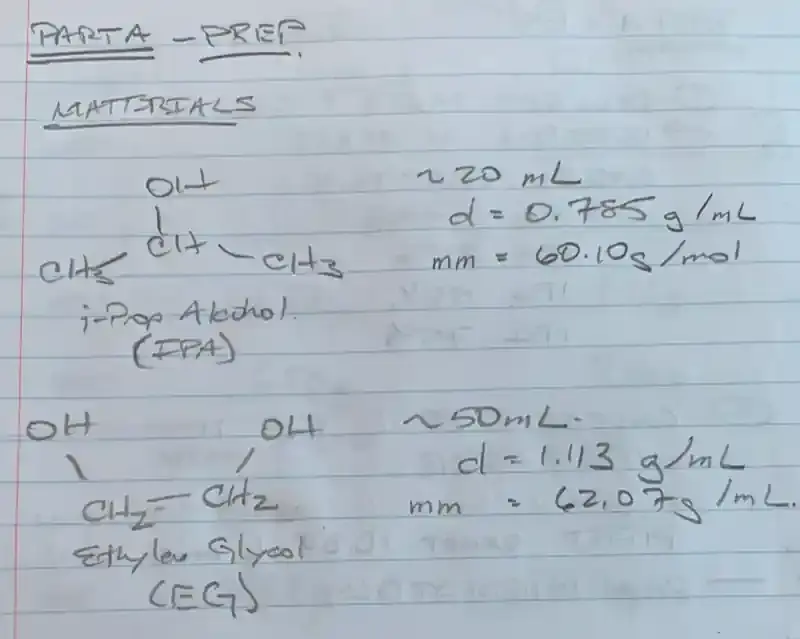
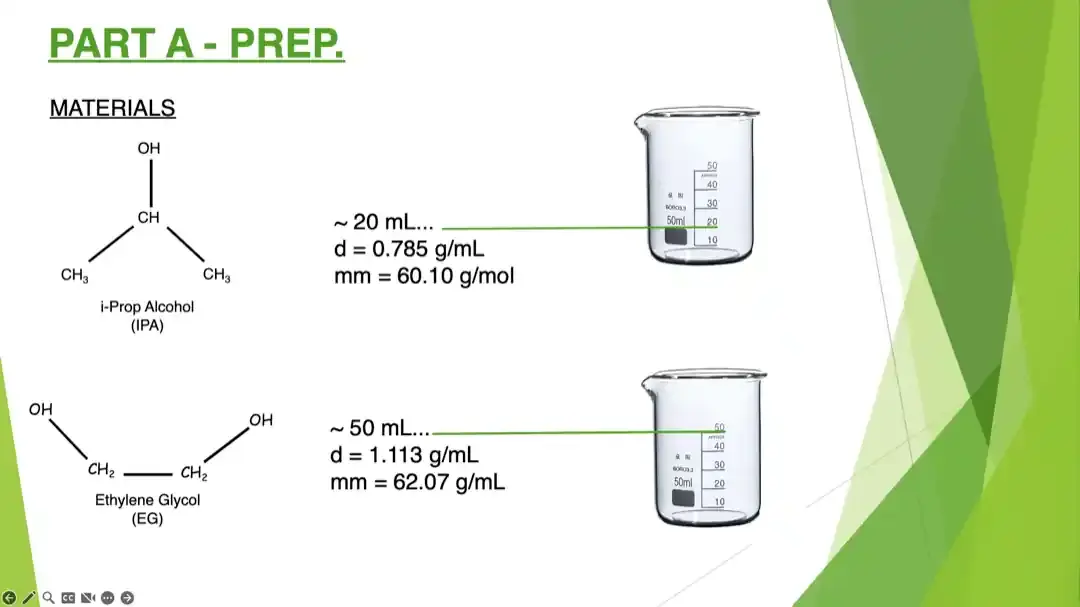
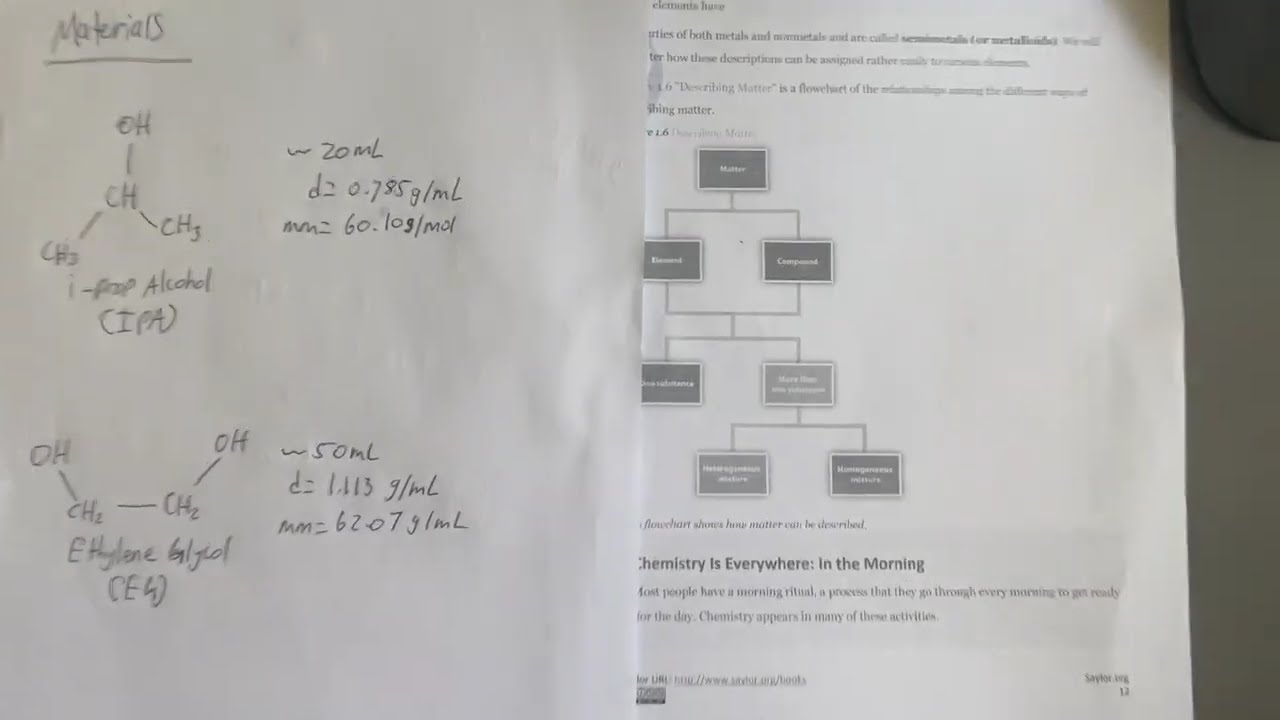
See How It Works
Watch a 60-second walkthrough going from sketch to presentation slide
3 Easy Steps
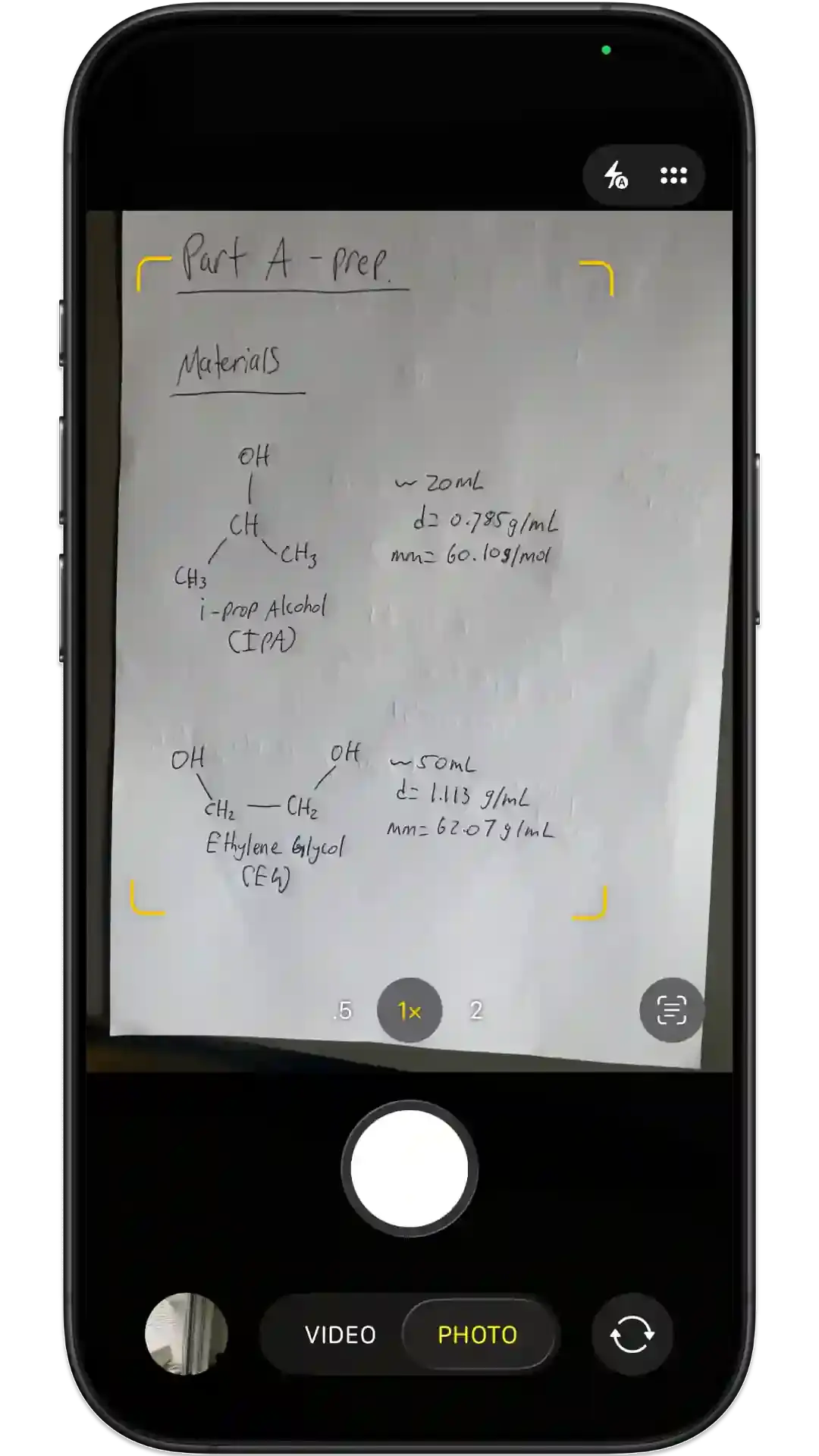
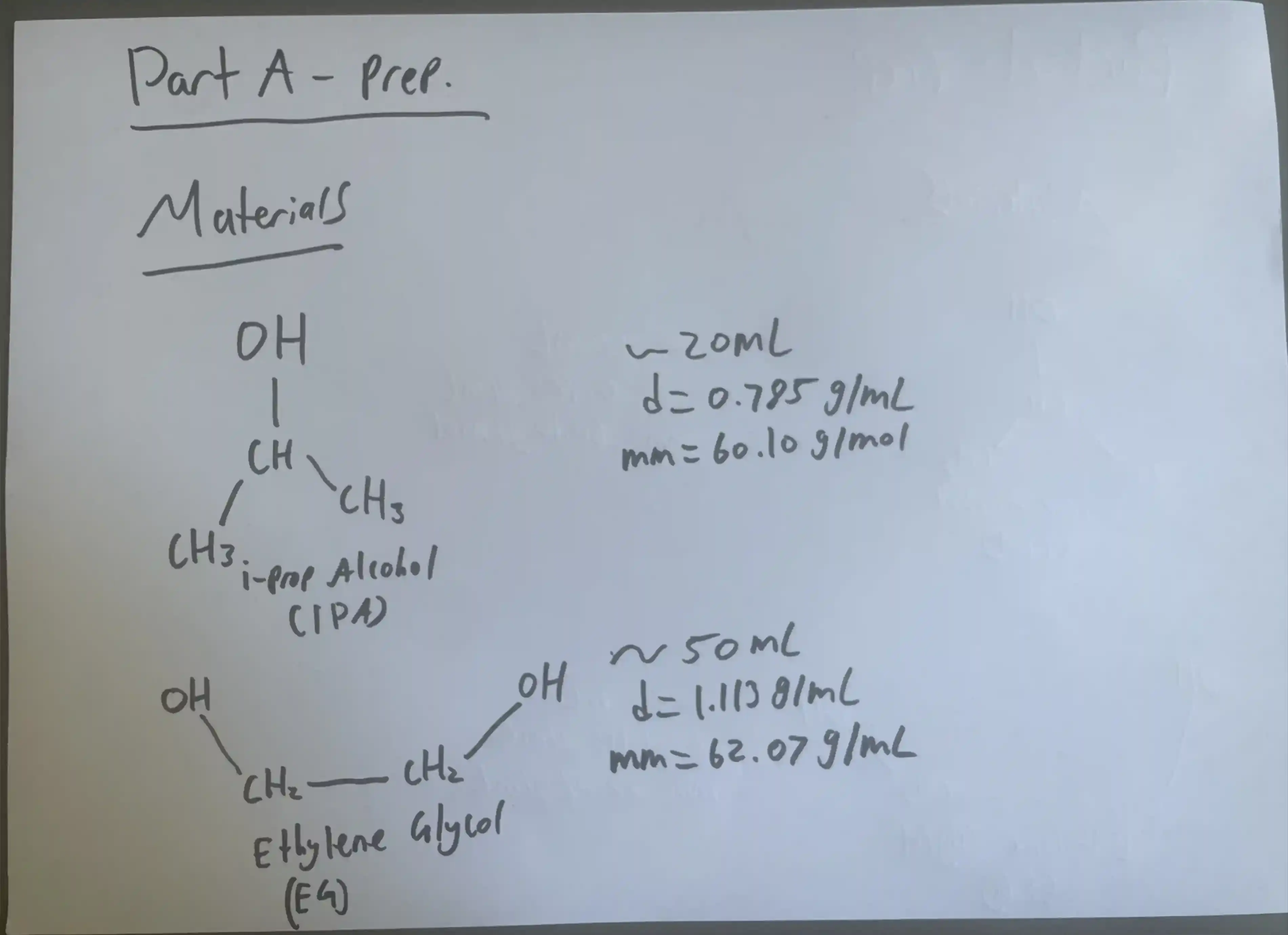
Take a picture
Hand-drawn or printed on paper, a whiteboard, or screen.
Get an editable result
Generate an editable digital version.
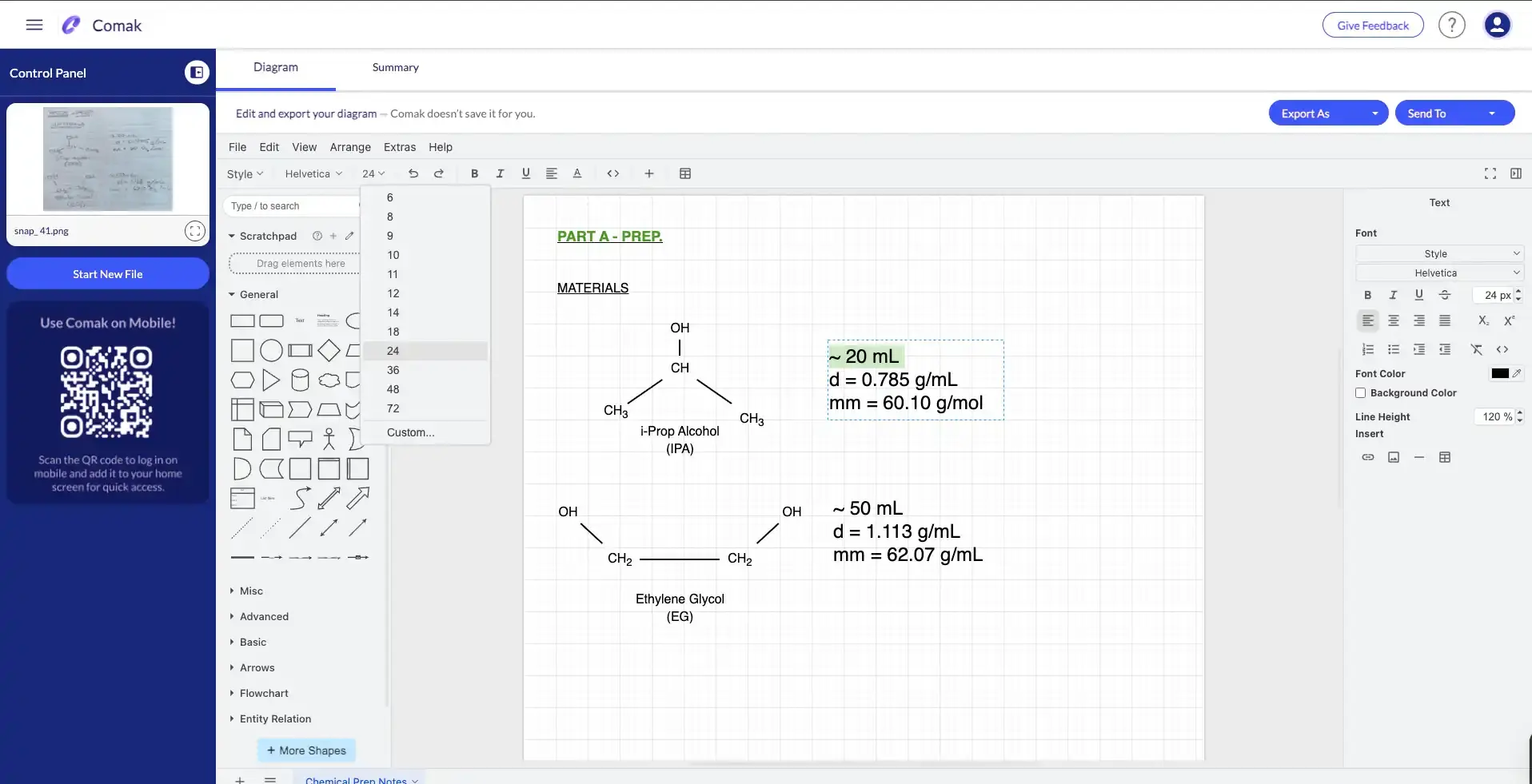
Add to your presentation
Drop it into your slides as a clean, polished object.

It gets things out of my way so I can get the job done.
Nick DeMello, Chemistry Teacher, Stanford University
Spend your time teaching, not redrawing
Fewer rebuilds
Stop recreating sketches in software. The drawing you already made becomes the asset you present.
Faster edits
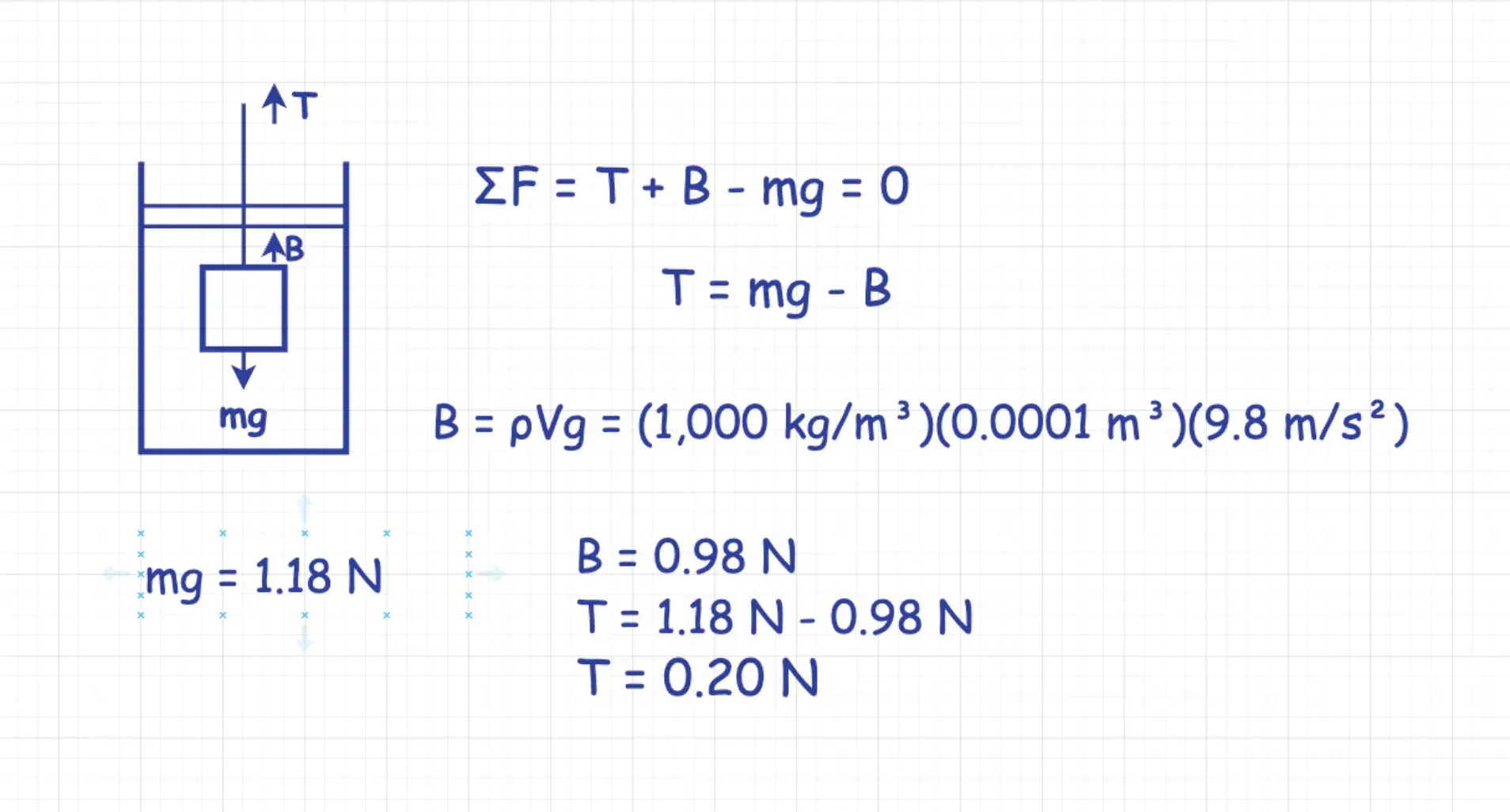
Everything is editable. Update a label, move an arrow, or fix a formula without redrawing from scratch.
Cleaner sharing
Drop it into PowerPoint, Google Slides, Keynote or Canva. No more blurry whiteboard photos in your slides.
Teach the way you already think
Questions educators ask before trying it
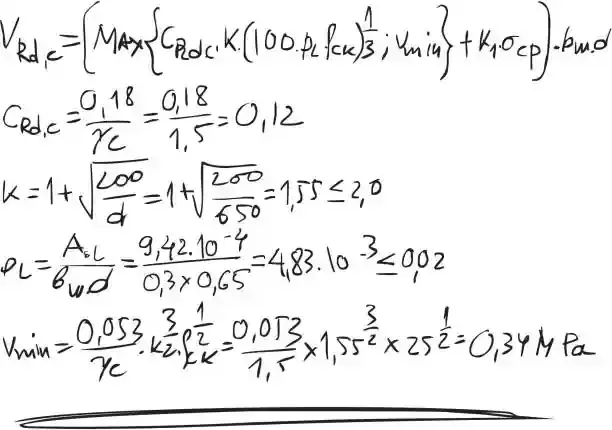
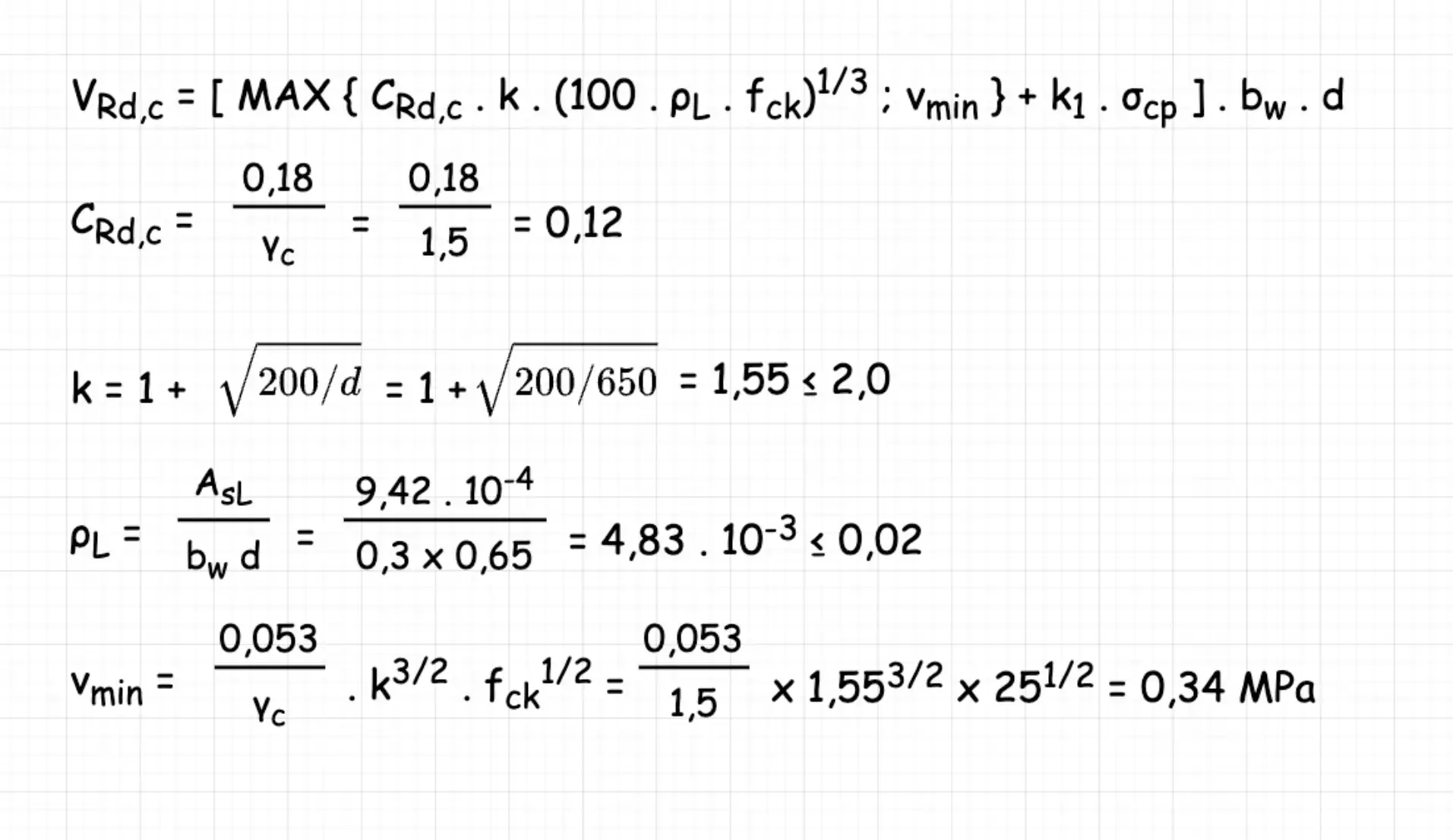
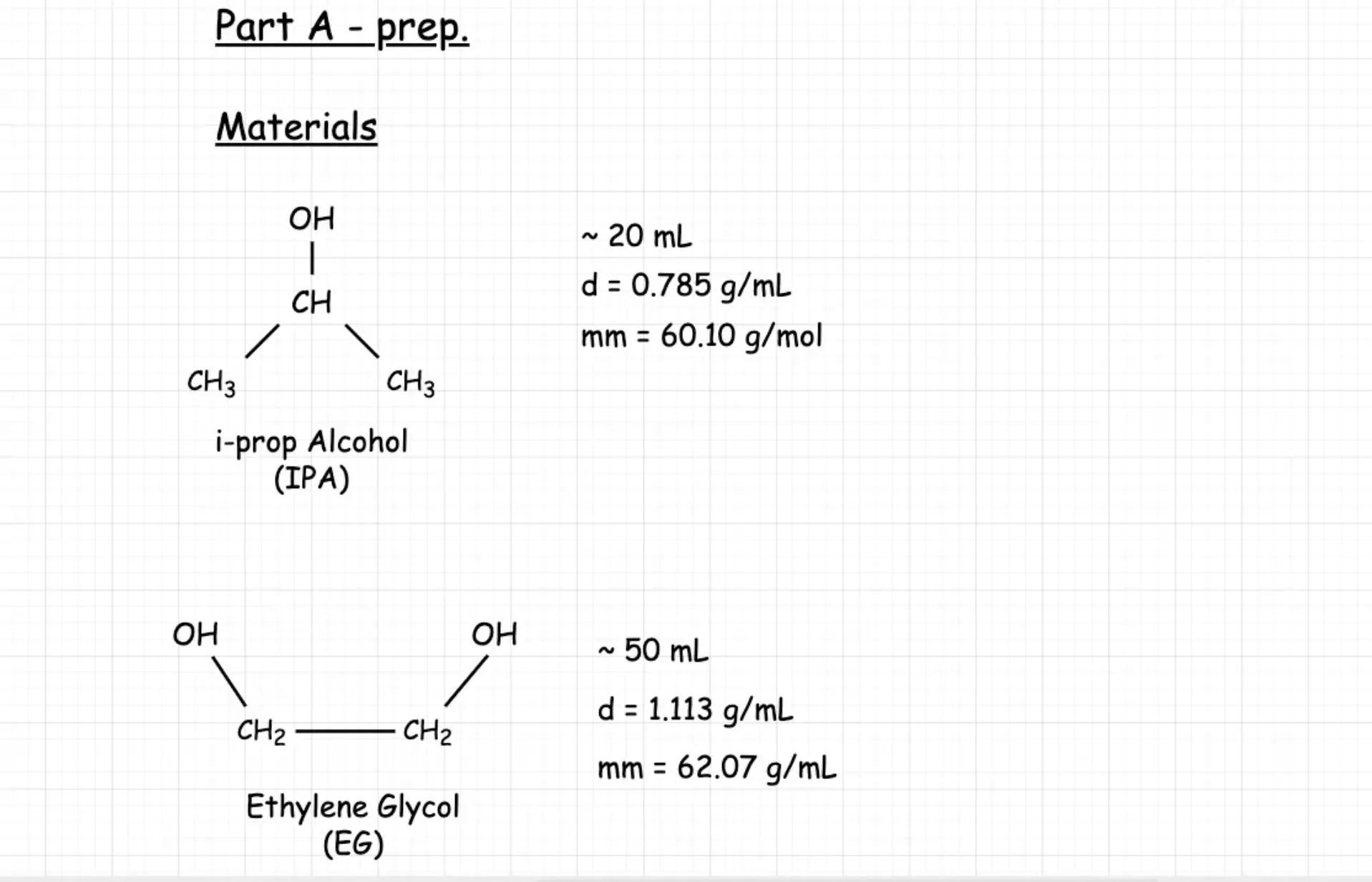
Yes. Comak picks up structure including symbols, subscripts, superscripts, arrows, and labels. It understands technical notation across STEM subjects.
No. Sketch the way you normally would, then edit the result like any slide object in PowerPoint.
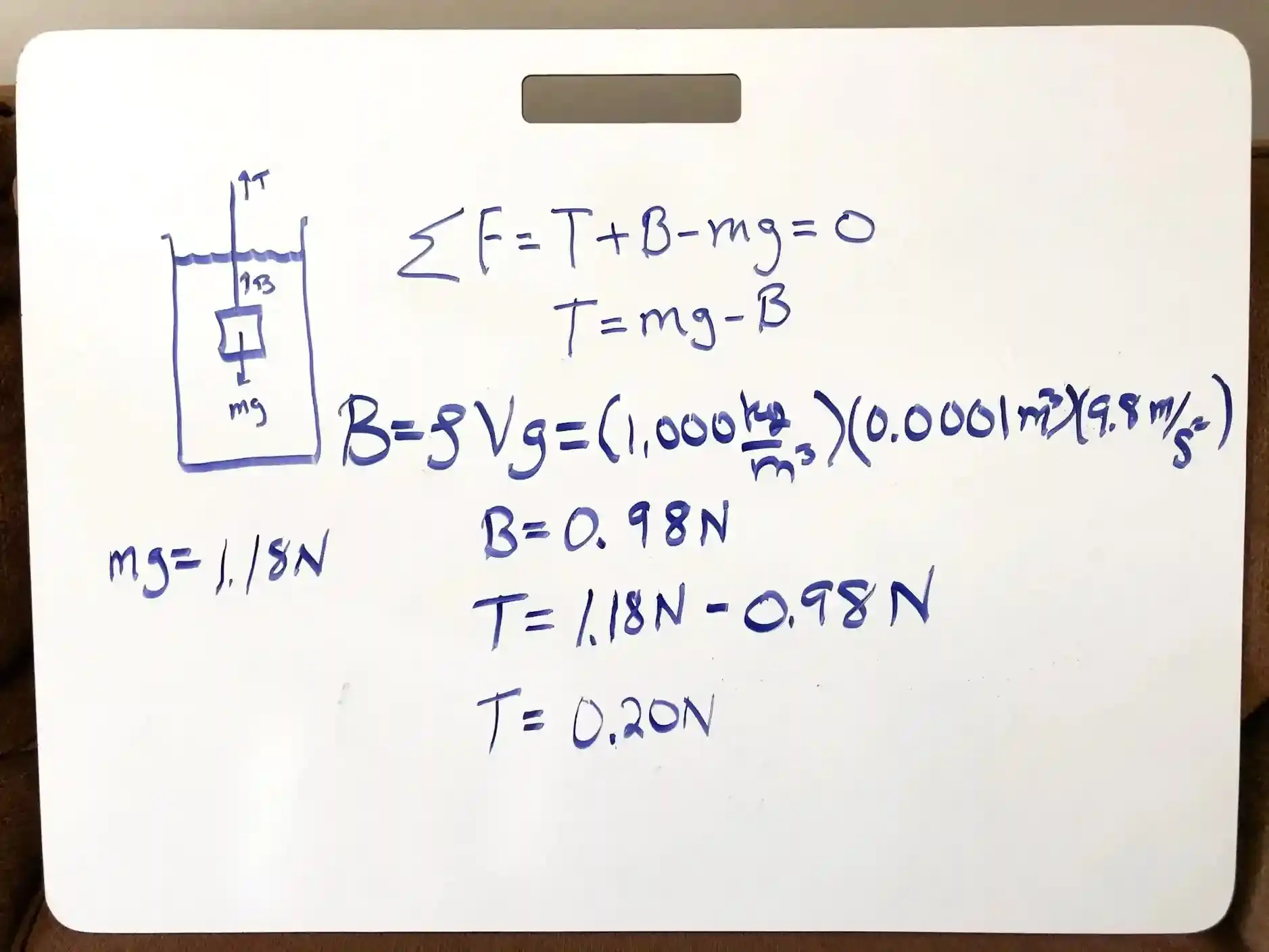
Both neat and messy drawings work. Comak interprets the intent behind your strokes and produces a clean, editable output either way.
Photos from your phone, screenshots, scans, and tablet sketches. JPG, PNG, HEIC, and PDF formats are all supported. iPhone photos work straight out of the camera.
Most sketches convert in under a minute. Complex diagrams may take slightly longer, but you can keep working while Comak processes in the background.
Keep the pencil. Skip the rebuild.
Turn your next sketch into something you can teach from in minutes.